The closest toilet.
One tap away.
Open 247WC and it is already searching: pick the most convenient public toilet and follow the arrow to the door. Free, no account, no ads.
Why 247WC
Public toilets near you,
no detours.
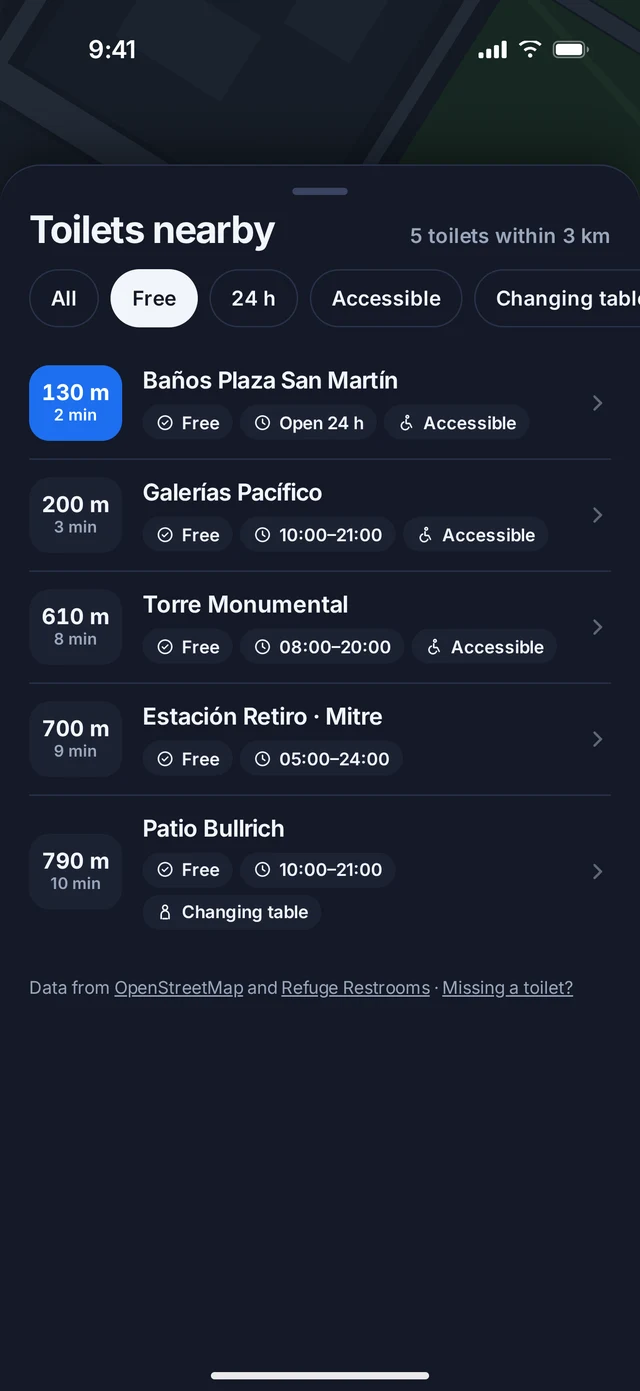
Squares, malls, bars and stations, sorted by distance on a single map.
How it works
Finding a toilet is simple
when you don’t have to search.
Open the app
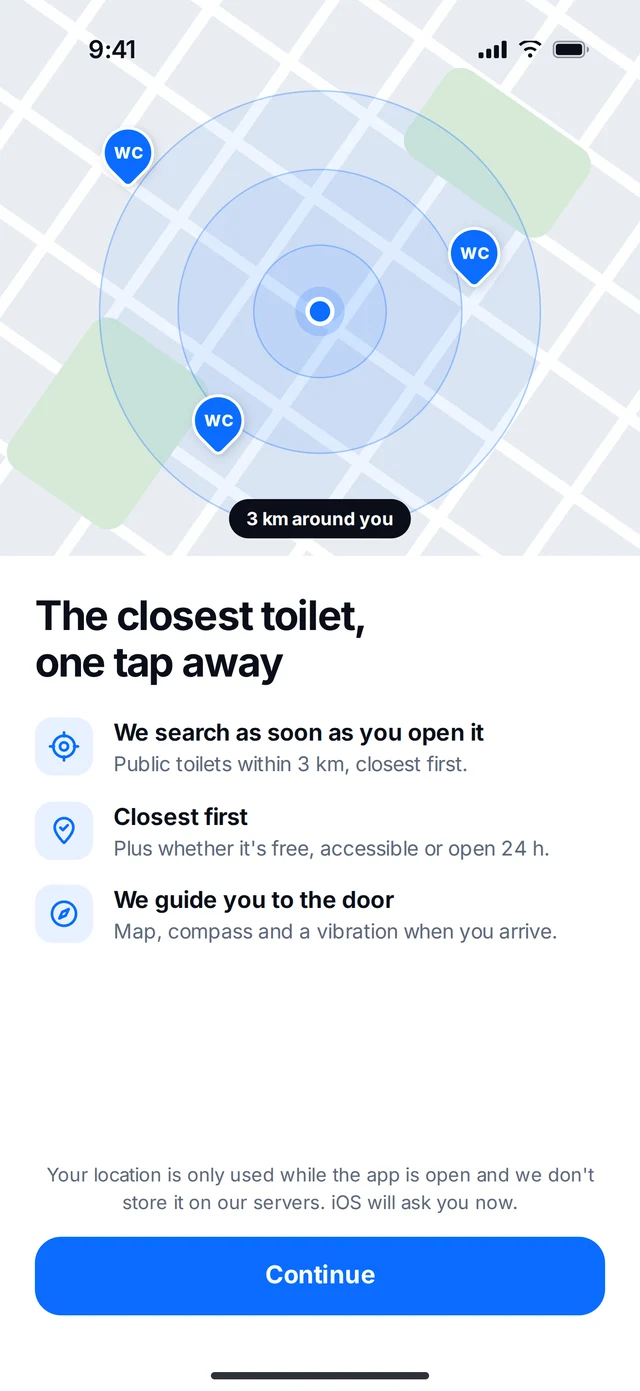
It searches up to 3 km around you as soon as you open it.
Pick the best one
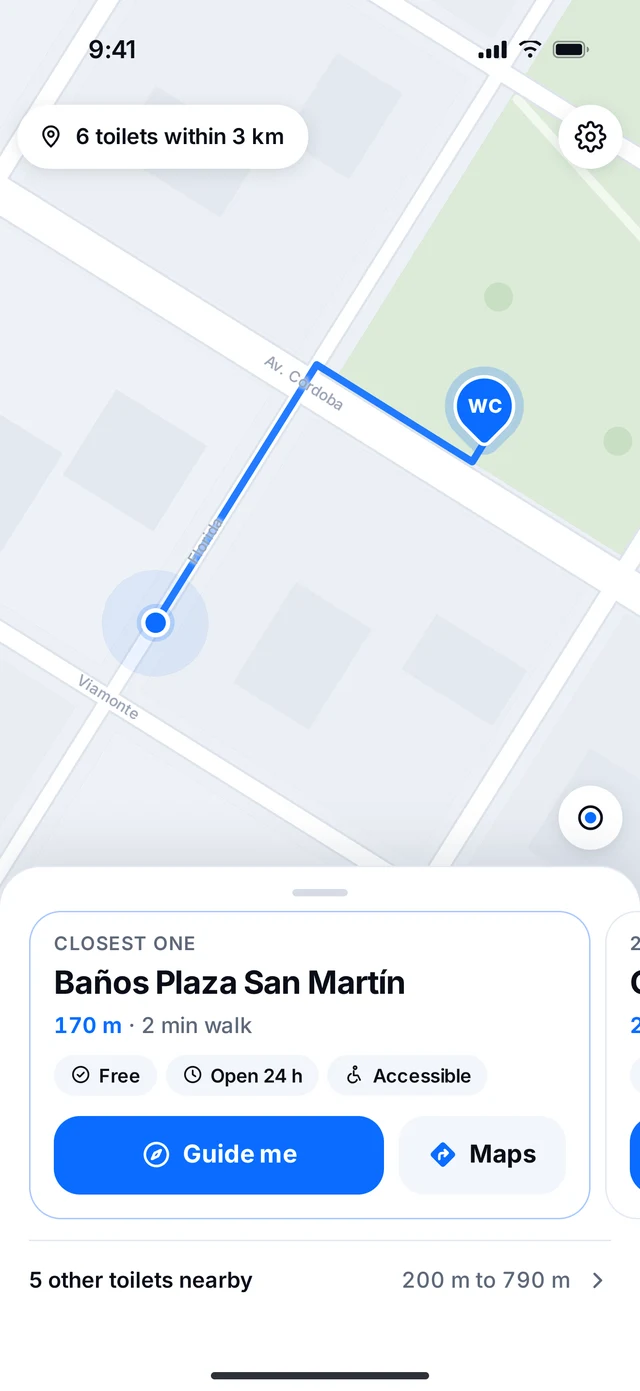
The closest one comes first, with distance, walking time and tags.
Follow the arrow
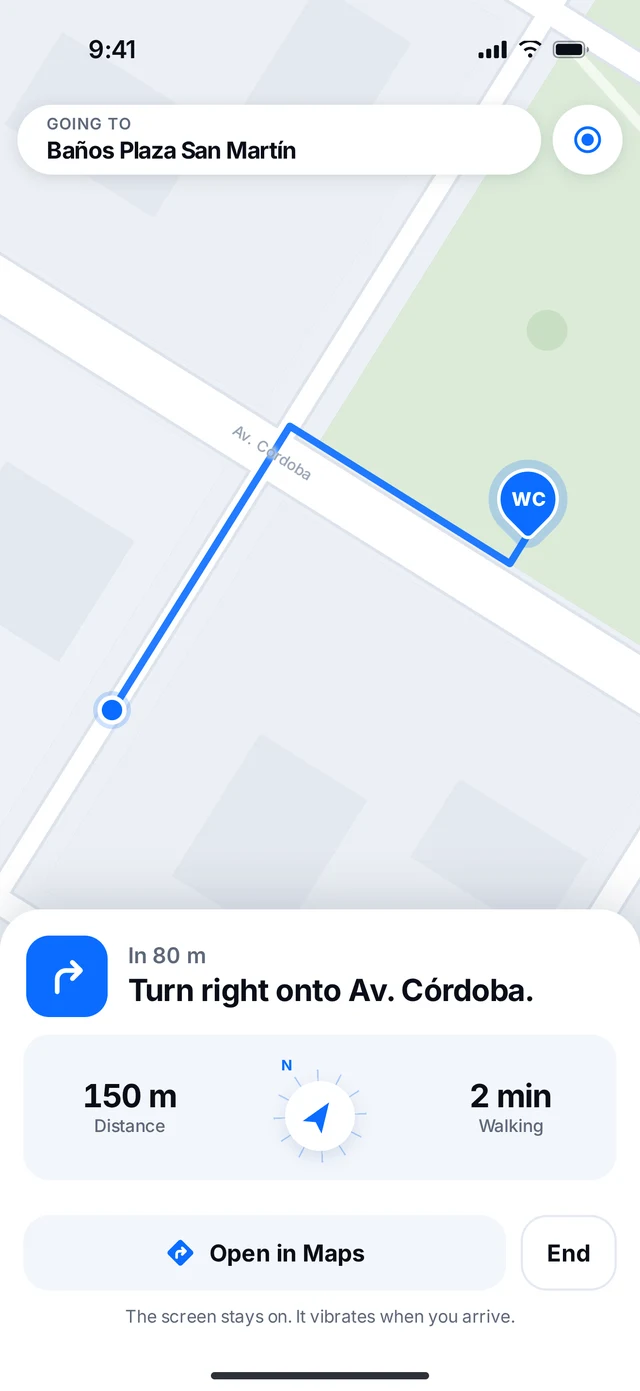
Walking guidance takes you turn by turn to the door.
Features
Built for the rush.
Crafted in every detail.
Closest first
Searches as soon as you open it and sorts by distance and walking time.
Filters that matter
Free, 24 h, accessible, changing table, or bars and shops.
Your radius
Search within 1, 3 or 5 km.
Walking guidance with compass
Next turn, remaining distance, and the screen stays on.
A real dark mode
A custom-made dark map, not a filter on top.
Home Screen shortcut
Touch and hold the icon and tap “Nearest toilet”.
Trust
Open data. Real privacy.
247WC uses only what it needs to get you to a toilet, and nothing more.
Open data
Toilets come from OpenStreetMap and Refuge Restrooms, data added by the community. If one is missing, anyone can add it.
Your location, protected
Only “While Using the App”, never in the background. The search gets a point rounded to about 250 m, not your exact position.
No account, no ads
Open it and it works. No sign-up, no analytics, no tracking.
Download
Install it before
you need it.
Free for iPhone, iOS 15 or later.
Get started
From pocket to toilet
in four steps.
1. Download the app
Free on the App Store, for iPhone.
2. Allow location
Only while you use it. Never in the background.
3. Pick a toilet
Filter by what you need and check the distance.
4. Follow the arrow
Guidance takes you to the door and vibrates when you arrive.
Frequently asked questions
Questions?
We’ve got answers.
An iPhone app that finds the closest public toilet and guides you there on foot.
Yes. No subscription and no ads.
No. Open the app, allow location and it is already searching.
From OpenStreetMap and Refuge Restrooms, open data added by the community. If one near you is missing, you can add it from the app with “Missing a toilet?”.
Your exact position only goes to the walking-route service, to calculate the way. To search for toilets, a point rounded to about 250 m is sent. We don’t store it on our servers.
On iPhone, with iOS 15 or later.
Anything else? Visit Help and support